Cybersecurity for Beginners: Free Pdf Download & Learning Guide
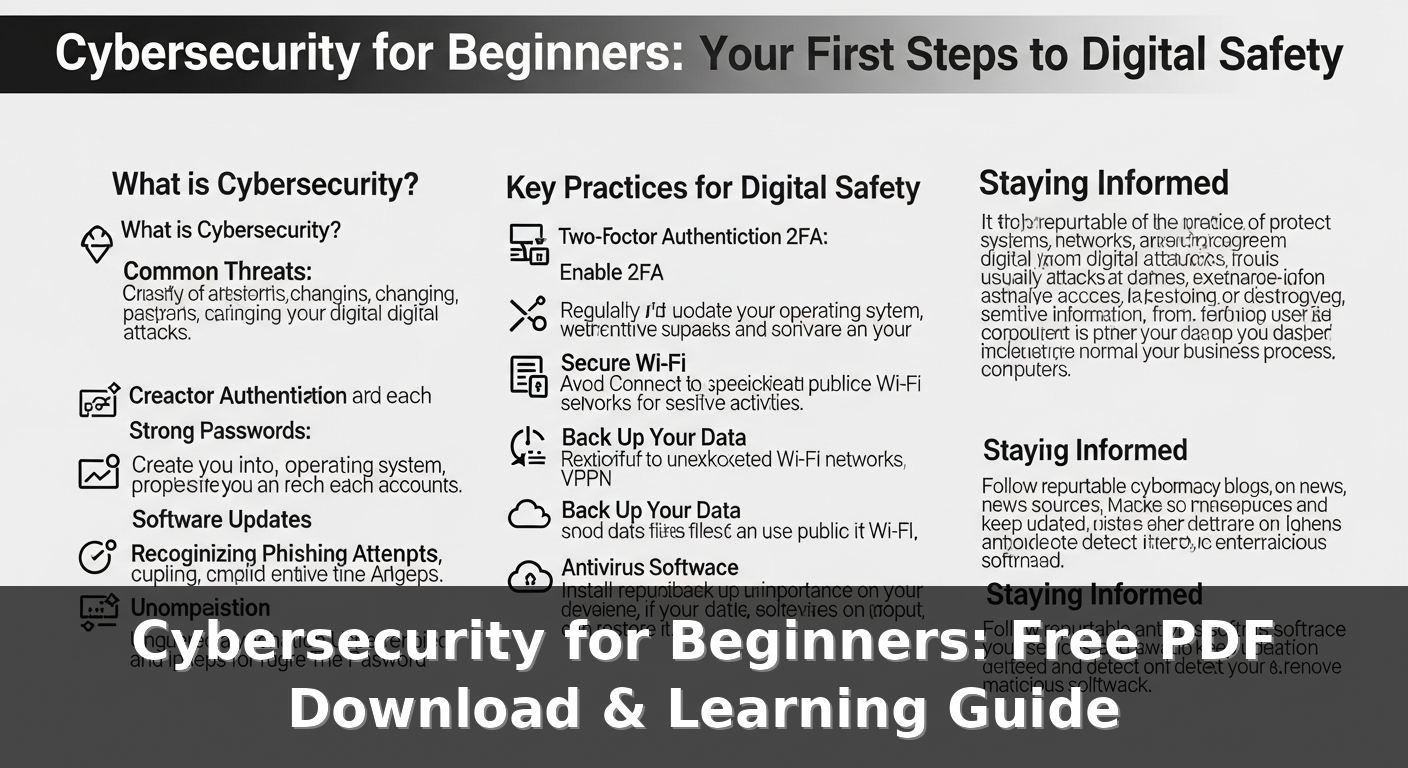
Table of Contents
- 1. What is a cybersecurity PDF for beginners?
- 2. The reason why the cyber security PDF is important for beginners
- 3. How to Get Started
- 4. Frequently Asked Questions
- 5. Conclusion
If you are stepping into the field of cybersecurityfor the first time, the terms can seem difficult. There are many technical terms and warnings. A good starting point is a simple guide that you can download, keep handy, and read at your own pace. A 'Cybersecurity PDF for Beginners' provides this. It explains basic concepts, introduces essential tools, and offers small practical exercises. You don't need a university degree. All you need are the right small steps and reliable sources you can refer to.
You can find a clear answer in the short section below. It introduces what a PDF for beginners typically includes, why obtaining it is important, real tools to try, practical plans you can apply immediately, and a table comparing common training options. Grab your coffee, read, and apply as you go. Start small and practice a lot. Security is a skill, not a secret.
What is a cybersecurity PDF for beginners?
The PDF file titled 'Cybersecurity for Beginners' is a simple guide for people with little or no experience. It generally covers basic threats such as phishing scams, malware, weak passwords, and insecure Wi-Fi networks. It is also expected to include sections on safe browsing, system updates, and the concept of least privilege. Some PDFs feature step-by-step hands-on labs to try out tools in a safe environment. Other PDFs focus on checklists or policies that can be implemented in home networks or small offices.
For beginners, good PDF files include tools that you can set up right away. Try Wireshark to analyze packets, Nmap for network scanning, and VirtualBox or VMware to run a test environment. Additionally, many guides recommend using a password manager (LastPass, Bitwarden, 1Password, etc.) and enabling multi-factor authentication. Moreover, topics that you can learn practically on platforms like TryHackMe or Hack The Box are also introduced.
Do you have any idea what's inside the file?
Most PDFs for beginners are divided into short sections. After introducing the basic concepts, practical procedures follow: updating software, checking running services using Nmap, performing basic security scans, password management practices. A good guide includes hands-on steps using a virtual machine, typical commands, and common mistakes. Basic methods for reading logs with Splunk or ELK should also be demonstrated. If the PDF lists references like NIST guides or OWASP Top 10, this is not just for complex terms but a sign to learn actual techniques.
Dan Morales, security engineer: "Beginners learn faster when they try things, break them, and fix them. A PDF that combines small experiments with clear explanations helps you gain confidence. Read the paragraphs and experiment for 30 minutes, then continue reading. Repeat this process."
The reason why the cyber security PDF is important for beginners
It is important to learn the basics of security. The reason is that threats are everywhere and the cost of mistakes is high. According to IBM's 2023 Cost of a Data Breach Report, the average breach cost worldwide was around 4.45 million dollars. For individuals or small teams, damages could include identity theft, financial losses, and data leaks. The short and practical PDF helps you take quick actions such as setting up backup configurations, enabling multi-factor authentication, and removing outdated software, without staying in theory.
The beginner's guide helps turn anxiety into action. It breaks big topics into manageable tasks over the weekend. The guide explains tools and commands, as well as hands-on experiments, step by step. It saves time. You don't need to pay for expensive courses to read long blog posts in full or to remember the top 10 things you need to learn. It's worth downloading the free PDF just for that.
Steps that can be implemented starting today
Follow the simple steps frequently recommended in the PDF for beginners: 1) Install device updates, 2) Set up a password manager like Bitwarden, 3) Enable multi-factor authentication (MFA) on email and cloud accounts, 4) Check for open ports by performing an Nmap scan on your home router, 5) Back up data to an external drive or cloud service. If you want to practice, you can create a virtual lab with VirtualBox and set up a Kali Linux virtual machine to perform scans with Nmap or inspect packets with Wireshark. These may be small steps, but they can have a big impact.
| Resource | Cost | Hands-on Practice | Time to Start |
|---|---|---|---|
| Free beginner PDF | $0 | A few laboratories, instructions, checklist | 10-30 minutes |
| Interactive Laboratory (TryHackMe) | Free to $10/month | Advanced Map Application Assignment | 10-60 minutes |
| Online training courses (Coursera, Udemy) | $0-$50 per course | Intermediate - Video with exercises | 30-90 minutes |
The option you choose depends on your learning style. If you enjoy following reading and written instructions, free PDF files will help you with most beginner tasks. If you prefer hands-on learning, add TryHackMe labs. If you prefer a structured course, choose a reliable online course and use PDF files as reference material.
Finally, as a practical method, save a short checklist on your mobile phone. Include the following items: OS update, enabling multi-factor authentication, checking installed applications, running Nmap on the network, checking open services, and backing up data. Repeat this every month. Over time, these small habits will greatly reduce risk and naturally make advanced learning possible.
How to Get Started
Let's start small. First, read Chapter 1. Then practice for 1 hour. Learning cybersecurity doesn't progress just by reading; it improves through practice. If you have obtained a PDF for beginner-level cybersecurity learning, consider it as a curriculum. Let's set 3 concrete goals to achieve in the next month: understanding network basics, setting up a secure practice environment, and learning common attack types such as phishing or SQL injection.
We introduce simple and practical steps to gain useful skills from scratch.
- Let's check the basics on paper. Open the cybersecurity PDF prepared for beginners and quickly glance through the table of contents. First, let's pay attention to the sections on network, authentication, and web security.
- Prepare your home laboratory. Install VirtualBox or VMware Player and create vulnerable target virtual machines like Metasploitable along with a Kali Linux virtual machine. This way, you provide an environment where you can safely test tools like Nmap, Wireshark, and Metasploit.
- Follow the guided exercises. Use beginner courses from TryHackMe or Hack The Box. These provide step-by-step guidance and offer practical problems. Expect each session to last about 30 to 90 minutes.
- Practice using real tools. Learn to use Nmap for network scanning, Wireshark for packet capturing, OWASP ZAP or Burp Suite for web testing, and Bitwarden for password management. These are industry-standard names that are frequently seen in job postings.
- Learn from reliable sources. Add OWASP's Top 10 list, NIST's essentials, and SANS's reading list to your favorites. Also, watch short videos from trusted channels. However, always verify the information by comparing it with documented evidence.
A quick reality check: According to IBM's 2023 Cost of a Data Breach Report, the average global breach cost is around $4.45 million. Also, since about 43% of attacks target small and medium-sized businesses, the lessons learned have immediate practical value. Practical advice - enable multi-factor authentication on your personal accounts, use a password manager, and keep your systems up to date. Even these measures can significantly reduce many common threats.
Try a 30-day plan: Week 1 covers networks and passwords, Week 2 covers Linux and basic programming, Week 3 focuses on scanning and web security, and Week 4 is for Capture the Flag exercises and reviewing vulnerabilities. Let's track your progress with a simple spreadsheet. Small achievements accumulate quickly.
Frequently Asked Questions
Below are simple answers to questions frequently asked by beginners. We've summarized the essence and turned it into practical content so you don't get confused by difficult terms when moving on to the next step. If you want answers to other questions, please let us know. We can add them.
What is cybersecurity for beginners in PDF format?
PDF files about cybersecurity for beginners are downloadable guides that explain fundamental security concepts in an understandable language. They usually cover network basics, password management, common types of attacks, and introductions to tools like Nmap, Wireshark, and Metasploit. Many free PDFs also include step-by-step lab setups or additional learning links such as OWASP Top 10 and TryHackMe. Instead of using this as your sole training material, use it as a roadmap to achieve real skill development by combining reading materials with hands-on practice.
Conclusion
You don't necessarily need to have a qualification to get started with cybersecurity. What matters is making a plan, practicing consistently, and having the right resources. For beginners, download a comprehensive cybersecurity PDF, set up a virtual lab using VirtualBox and Kali, and spend time on guided platforms like TryHackMe. Learn some tools-Nmap, Wireshark, OWASP ZAP-and practice common tasks such as scanning, packet capturing, and simple website testing.
Create a 30-day calendar, mark your small goals, and assess your progress. Protect your account right now with a password manager and multi-factor authentication. Keep the statistics in mind-hacking carries a real financial cost, and many attacks target small objectives. Concrete and consistent effort boosts your technology and confidence. If you want, you can also create a 30-day checklist that you can copy to your calendar.
Related Articles
- Cybersecurity for Beginners Book Pdf: Download Your Free Guide
Table of Contents1. What options are available for cybersecurity books in PDF format for beginners?2. Why are... - Cybersecurity Guide Pdf: Essential Resources for Beginners Today
Table of Contents1. What is the cybersecurity guide in PDF format?2. Why is the PDF format of the cybersecurity guide... - Cybersecurity for Beginners Pdf Download: Get Started Now
Table of Contents1. Download Cybersecurity PDF for Beginners2. The importance of downloading a cybersecurity training... - Free Cybersecurity Tutorial: a Step-by-step Guide for Beginners
Table of Contents1. What is a free cybersecurity course?2. Frequently Asked Questions3. ConclusionThe internet is a...