Essential Cybersecurity Tools for Personal & Business Use
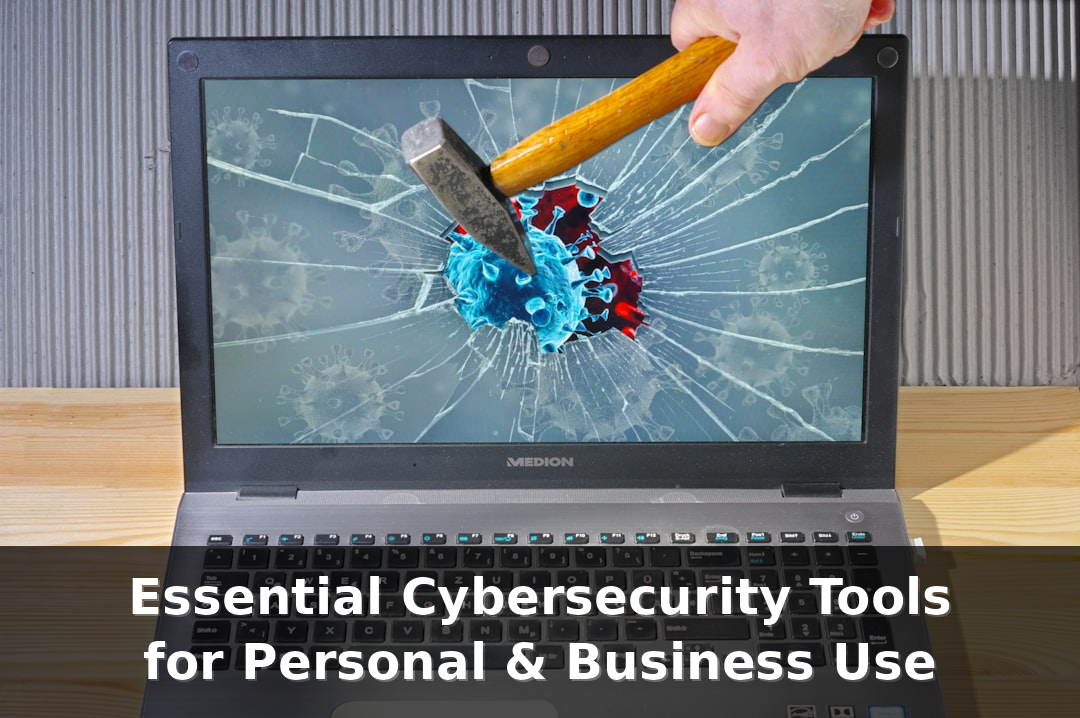

What are cybersecurity tools?
When people say 'cybersecurity tool,' it refers to software or hardware that prevents, detects, or corrects digital attacks. This can be as simple as a smartphone's password manager or as complex as an endpoint detection and response platform protecting thousands of endpoints. Tools operate at different layers - endpoint, network, application, data - each layer has roles such as preventing known threats, monitoring unusual behavior, and rescuing when a problem arises.
It is easy to explain with an example: In fighting viruses, Bitdefender or Windows Defender; in password management, 1Password and Bitwarden; in multi-factor authentication, Authy and Duo; in endpoint detection, CrowdStrike and SentinelOne; and in log analysis, Splunk or Elastic. Each tool offers specific functions. Antivirus software detects malware signatures or suspicious files. EDR monitors processes or user behaviors and can isolate infected devices. SIEM collects logs and alerts based on patterns. Backup solutions like Acronis or Veeam enable file restoration following a ransomware attack.
Statistics are important here. According to IBM's 2023 Cost of a Data Breach Report, the global average breach cost has reached 4.45 million dollars. For small organizations, the risk is a more personal issue. According to many reports, most small businesses cannot recover after a serious breach. Therefore, tool selection becomes not an academic practice, but a decision related to budget and survival. Let's choose tools suitable for risk, technology, and budget. Let's start with basic hygiene management――updated systems, strong passwords, backups――and then, if necessary, add monitoring and blocking.
Why are cybersecurity tools important?
Tools are important. The reason for this is related to the fact that attacks are constantly changing and manual defense cannot scale. Phishing emails can take over your account in just a few minutes. Ransomware can encrypt the entire office in a few hours. You should have a control that works 24/7, can detect the tiniest signs of a breach, and can respond faster than humans can intervene in emergencies. A perfect tool reduces noise and highlights real threats, allowing employees to focus on their work instead of emergency interventions.
For individual users, you can protect yourself against most general threats with basic tools: antivirus, password manager, VPN on public Wi-Fi, multi-factor authentication. For corporate users, additional layers are added: endpoint detection, patch management, mobile device management, centralized data logs. Below is a simple comparison to help decide what to purchase first.
| Use case | Typical tools | Detection / Protection | Monthly cost offer |
|---|---|---|---|
| Personal - basic | Windows Defender, Bitwarden, OSI | Malware signature, two-factor authentication, encrypted vault | $0 - $5 |
| Remote worker | NordVPN, 1Password, EDR Lite (SentinelOne) | Network privacy, authentication information protection, endpoint monitoring | $5 - $20 |
| Small business | CrowdStrike, Acronis, Splunk Light | Behavior analysis, backup, focus journals | $50 - $300 |
| Enterprise | EDR (CrowdStrike), SIEM (Splunk), MDM (MobileIron) | Real-time response, cross-system integration, device control | $500+ |
Start from the basics and measure the results. Protect your account with multi-factor authentication, keep system updates, and back up important data. Then, add monitoring to places where incidents are repeated.
Practical steps for individuals and companies
Prepare a short checklist and implement it this week. For personal use: Install a reliable antivirus software and enable automatic updates, move your passwords to management tools like 1Password or Bitwarden, and enable multi-factor authentication for email and financial accounts. For small businesses: Document assets and enable enterprise-level EDR and response detection systems like SentinelOne or CrowdStrike, set up regular backups using Acronis or Veeam, and require multi-factor authentication with Duo or Authy for all remote access.
For teams that need a startup budget, follow the procedures below: 1) Pass devices and users through the inventory, 2) Determine the priority of data that needs to be protected, 3) Provide endpoint protection and apply updates, 4) Implement multi-factor authentication and password policies, 5) Plan regular backups and test recovery, 6) Collect logs centrally for 30 days, 7) Practice the incident response guide in a practical manner. These are practical procedures. They reduce the scope of an attack and shorten recovery time. Review the tools once a year every 12 months and replace items that do not work correctly according to alert or response times.
How to Get Started
Let's start with a simple inventory review. List the devices, accounts, and data that need to be protected. For a small company, this could be 20 laptops, shared cloud drives, and a few cloud applications that can be used as SaaS. For individuals, it may be limited to a smartphone, laptop, and banking applications. Knowing what you have makes it easier to choose cybersecurity tools.
Follow the 3-step plan: assessment, setup, monitoring. Identify common weaknesses and assess risks: outdated software, reused passwords, lack of backups. Perform a quick vulnerability scan using free scanners like Nessus Home or OpenVAS. Then, install high-priority protection tools: antivirus programs like Bitdefender or Windows Defender, password managers like Bitwarden or 1Password, two-factor authentication solutions like Google Authenticator or Duo.
As the next step, set up monitoring. Individual users can enable system notifications or automatic updates. Companies, on the other hand, should consider adding endpoint detections like CrowdStrike or SentinelOne and collecting logs using SIEM systems such as Splunk or Elastic. Some statistics to consider are as follows: According to IBM's 2022 Cost of a Data Breach report, about 82% of breaches are related to human or operational errors. In Verizon's DBIR report, it was observed that phishing fraud occurred in roughly one-third of breaches. These figures highlight areas where effort can be effective-train people and strengthen access.
- Correction and Update - Enable automatic updates for the operating system and applications, and fix the server for common security vulnerabilities within 7 days.
- Passwords and multi-factor authentication - Go to the password manager, use strong and unique passwords, and require multi-factor authentication on all work accounts.
- Backup - Use the 3-2-1 rule: 3 backups, 2 media, 1 offsite. Tools: Backblaze, Acronis.
- Email defense - Deploying a spam filter and phishing protection, trial use of Proofpoint or Mimecast for Business, and conducting monthly training for employees.
- Foundations of Network - Use physical firewalls like pfSense or Ubiquiti to separate important systems from the general user network.
Do not try to buy all products at once. Set your priorities according to risk and budget. Start with password management and multi-factor authentication first, then add endpoint security and backup. Small and continuous improvements prevent most common attacks.
Frequently Asked Questions
These frequently asked questions answer the questions that come to people's minds when choosing tools to protect their devices and data for the first time. They also address practical aspects - what these tools do, where to start, and quick win examples that can be applied within an afternoon. When setting up for home use, focus on password management, multi-factor authentication, backups, and a good endpoint solution. For businesses, add email filtering, network segmentation, and endpoint detection.
Practical advice: Let's prepare a timeline. Week 1 - Passwords and multi-factor authentication. Week 2 - Backup and virus prevention. Week 3 - Patch implementation and employee training. Let's track progress using a shared spreadsheet or ticket system. Let's also include measurement indicators - such as phishing simulation click rate, patch implementation coverage rate, and backup verification frequency. We can maintain accountability using tools like SecurityScorecard or a basic checklist in Google Sheets.
General tool options: Bitwarden or 1Password for passwords, NordVPN or ProtonVPN for remote access when needed, CrowdStrike for advanced endpoint detection, Backblaze for simple backup, Nessus for vulnerability scanning, and Splunk or Elastic for log analysis if there are many systems. Small teams can start with the native cloud security services of AWS, Azure, or Google Cloud for centralized login and access control.
What are cybersecurity tools?
Cybersecurity tools are programs and devices that protect systems, data, and users from attacks. These tools range from simple tools such as password managers or antivirus software to advanced platforms like endpoint detection (CrowdStrike), security information and event management systems (SIEM) (Splunk), and vulnerability scanners (Nessus). These tools prevent malware, detect breaches, manage access, and support incident recovery. Selecting and configuring tools appropriately according to the risk profile and maintaining them can reduce the most common threats with this combination.
Conclusion
To ensure security properly, you need to start with manageable options. First, inventory your assets and then add protective measures in order: strong passwords and multi-factor authentication, reliable backups, endpoint defense. For companies, add email filtering, network control, and activity logging for early incident detection. Use real tools such as Bitwarden, Backblaze, CrowdStrike, Nessus, Splunk in a scale-appropriate manner. Monitor some indicators - update coverage, phishing email click rates, backup testing - and improve them each month. Continuous effort and using the right cybersecurity tools can significantly reduce risk without complicating operations.